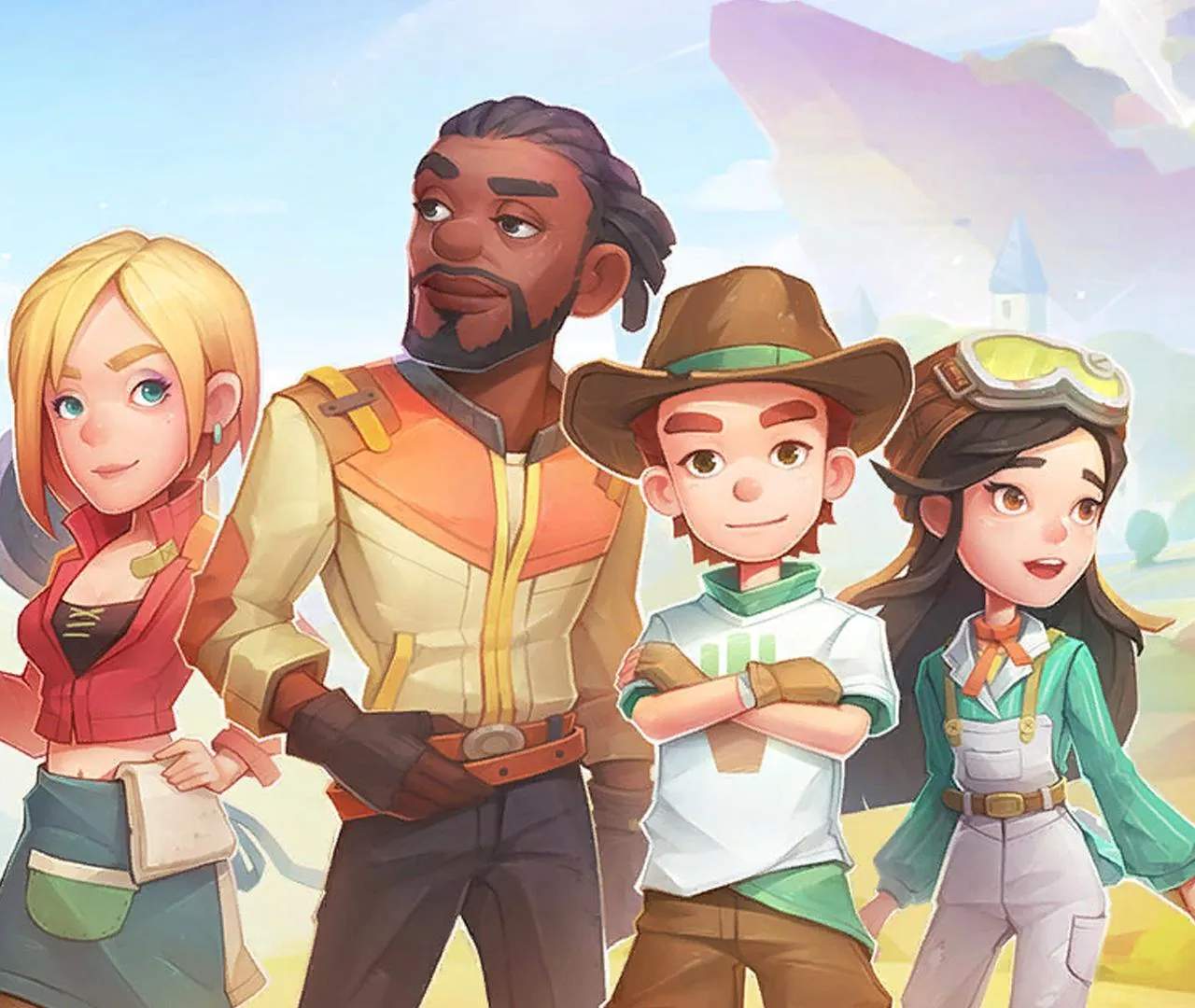
Co-op Multiplayer Guide
Welcome, fellow Builders! Sandrock is a vast and exciting place, and it's even better when shared with friends. This comprehensive guide will walk you through everything you need to know to make the most of your co-op multiplayer experience, from initial setup to advanced strategies for tackling the desert together.
Getting Started: Inviting Friends and Joining Worlds
Before you can start building and adventuring, you need to connect with your friends. Follow these steps to either host your own world or join an existing one:
- Accessing Multiplayer: From the main menu, select "Multiplayer."
- Hosting a New World:
- Choose "Host Game."
- You'll be prompted to create a new save file specifically for multiplayer. This ensures your single-player progress remains separate.
- Configure your world settings:
- World Name: Give your shared Sandrock a unique name!
- Password (Optional): Set a password if you only want specific friends to join.
- Difficulty: Choose a difficulty that suits your group's playstyle.
- Player Limit: Decide how many Builders can join your world (up to 4 currently).
- Once settings are confirmed, your world will load, and you'll be ready to invite others.
- Joining an Existing World:
- Select "Join Game."
- You will see a list of available public worlds. If your friend has set a password, you'll need to enter it.
- Alternatively, your friend can send you an invite directly through the game's social features or your platform's friend system. Accept the invite to seamlessly enter their world.
Important Note: While you can freely join and leave multiplayer worlds, remember that progress made in a co-op world is tied to that specific save file. You won't bring items or progress back to your single-player game, and vice-versa.
Co-op Building and Workshop Management
Teamwork makes the dream work, especially when it comes to building in Sandrock. Here's how to effectively manage your workshop and projects with your co-op partners:
Shared Workshop and Resources
- One Workshop, Many Hands: In multiplayer, there is a single workshop that all players share. This means all machines, storage, and land expansions are accessible to everyone.
- Resource Pooling: All harvested materials, mined ores, and crafted items go into the shared storage. Coordinate with your team to ensure efficient resource gathering and avoid unnecessary duplication of effort.
- Commission Board: The Commission Board is shared. Discuss and decide who will take which commissions to maximize daily income and reputation gains. Consider specializing: one player might focus on gathering materials for commissions, while another handles the crafting.
Optimizing Production Lines
With multiple Builders, you can significantly boost your workshop's output. Here are some strategies:
- Machine Specialization: Assign specific machines to different players. For example, one player could focus on the Civil Recycler and Grinder for basic materials, while another manages the Assembly Station for complex parts.
- Material Flow: Designate clear paths for materials. Player A mines Copper Ore and Tin Ore from the Eufaula Salvage Abandoned Ruins, brings them back to the workshop. Player B then processes them into Copper Bars and Bronze Bars using the Civil Furnace. Player C uses these bars to craft components at the Worktable or Assembly Station.
- Blueprint Collaboration: When working on large projects like the Bridge to the Northern Plateau or the Crane for the Water Tower, divide the required components among players. Each player can focus on gathering and crafting a specific set of items, then pool them at the Assembly Station.
Combat and Exploration Strategies
The Sandrock desert is full of dangers and hidden treasures. Exploring and fighting alongside friends makes these challenges much more manageable and enjoyable.
Dungeon Diving and Ruin Raiding
- Team Composition: While there aren't strict "classes," consider different playstyles. One player might focus on melee combat with a Greatsword or Hammer to draw aggro, while another uses a Pistol or Rifle for ranged damage.
- Target Prioritization: In encounters with multiple enemies, communicate who is targeting which foe. Focus fire on dangerous enemies like Geeglers or Rattlers first.
- Loot Distribution: Decide beforehand how you'll handle loot. Will you roll for rare items, or will the person who needs it most take it? Shared storage makes this easier, but discussing it prevents misunderstandings.
- Healing and Support: Carry Healing Potions or Food Items like Stir-fried Cactus to revive or heal fallen teammates. Some weapons or accessories might offer minor support benefits.
Overworld Exploration
- Mounts and Vehicles: While each player will have their own mount (like a Raptor or Camel), you can travel together to distant locations like the Eufaula National Park or the Valley of Whispers.
- Resource Gathering: Split up to cover more ground when gathering resources. One player can focus on chopping Hardwood in the Bend, while another mines Iron Ore in the Eufaula Salvage Abandoned Ruins.
- Hazard Avoidance: Some areas have environmental hazards. Work together to navigate these, such as using a Jetpack to cross gaps or clearing obstacles.
Socializing and Relationship Building
Relationships are a core part of My Time at Sandrock, and co-op adds another layer to this.
- Gift Giving: Coordinate with your friends to give gifts to NPCs. You can focus on different characters to maximize relationship gains across the town. Remember to check the Social Tab to see NPC preferences.
- Shared Events: Participate in town events like the Dance-off or Fishing Festival together. Some events might have competitive elements, adding a fun rivalry to your co-op experience.
- Romance: While you can't romance the same NPC simultaneously, you can cheer each other on in your romantic pursuits!
Troubleshooting Common Co-op Issues
Even in the best of worlds, issues can arise. Here are some common problems and their solutions:
- Connection Problems:
- Ensure all players have a stable internet connection.
- Check firewall settings to make sure My Time at Sandrock is allowed through.
- Try restarting the game or your router.
- Lag/Desync:
- If one player has significantly higher ping, they might experience desync. The host with the strongest connection is usually ideal.
- Lowering graphical settings can sometimes help reduce strain on the system and improve performance.
- Ensure your game is updated to the latest version.
- Missing Items/Progress:
- Double-check that you are in the correct multiplayer save file.
- Remember that single-player and multiplayer progress are separate.
- If an item genuinely seems to have vanished, check all shared storage boxes.
By following these guidelines, you and your friends will be well-equipped to conquer the challenges and enjoy all the wonders Sandrock has to offer, together!